
 Video coming soon
Openings: plan and hand over penetrations cleanly
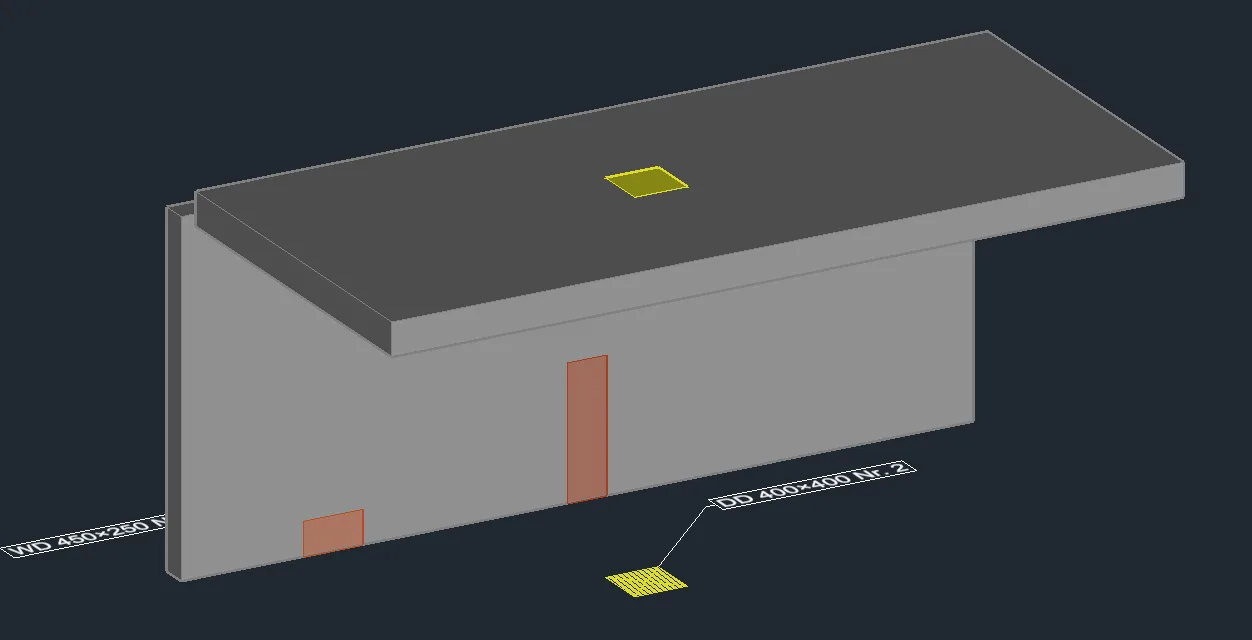
Place wall and slab openings with size and base point – in the 2D plan with LuaCAD 2D, and also as a 3D solid with LuaCAD 3D. 2D and 3D stay a pair: change one and the other follows.
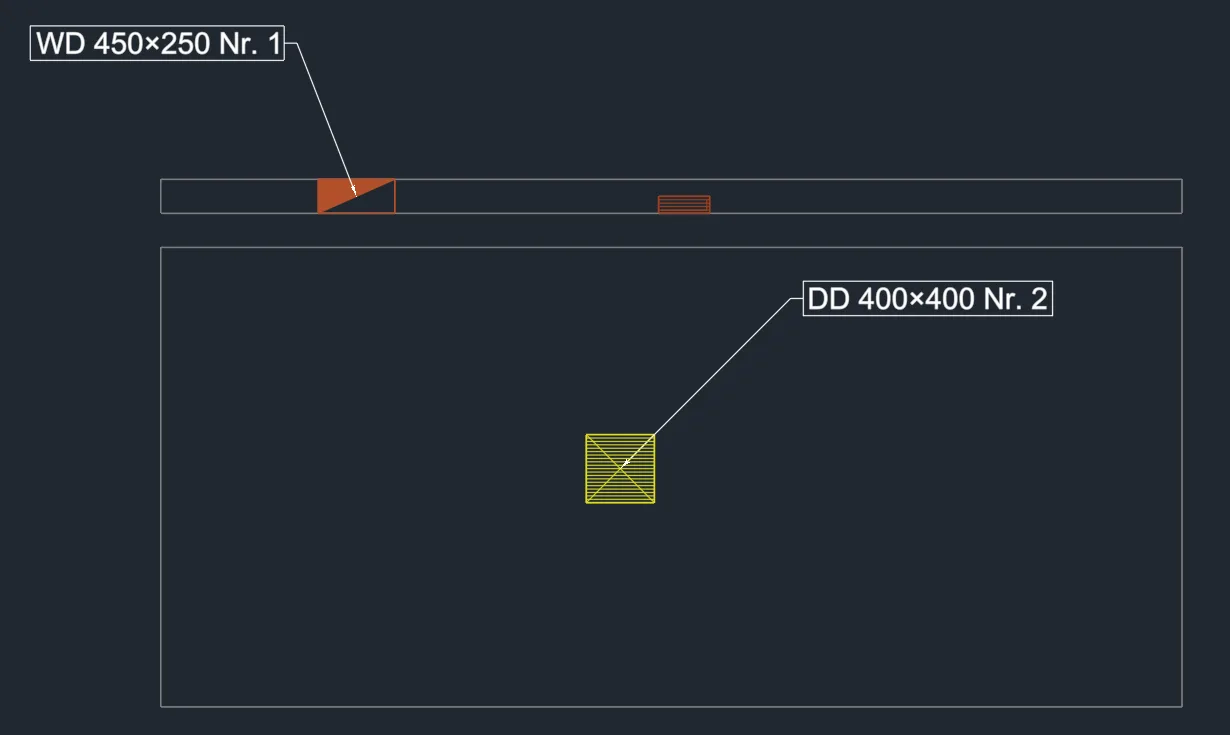
In the 2D plan: numbers, annotation, list
Each opening gets a number and an annotation with its size (“WD 450×250 No. 1”). Hand the list of all openings to the builder as a table or in Excel.
More in the online help →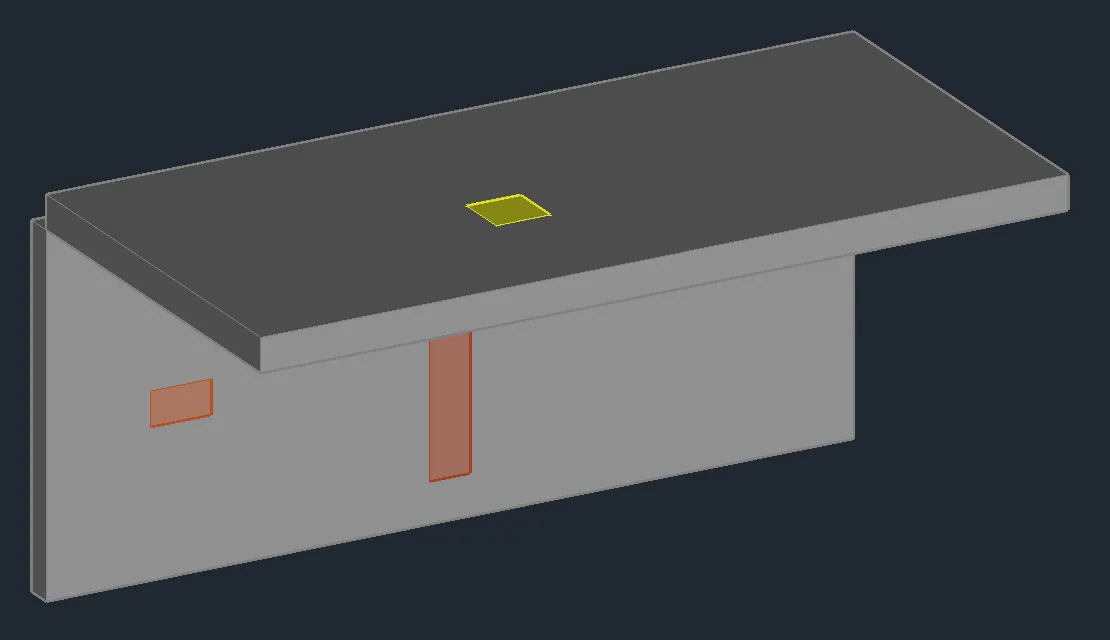
In 3D: insert from templates
Rectangular or round, with clearance, in a wall or in a slab: take the values from a template or pick them from the drawing, choose the base point and place it. The 3D solid goes to the architect with the model as IFC.
More in the online help →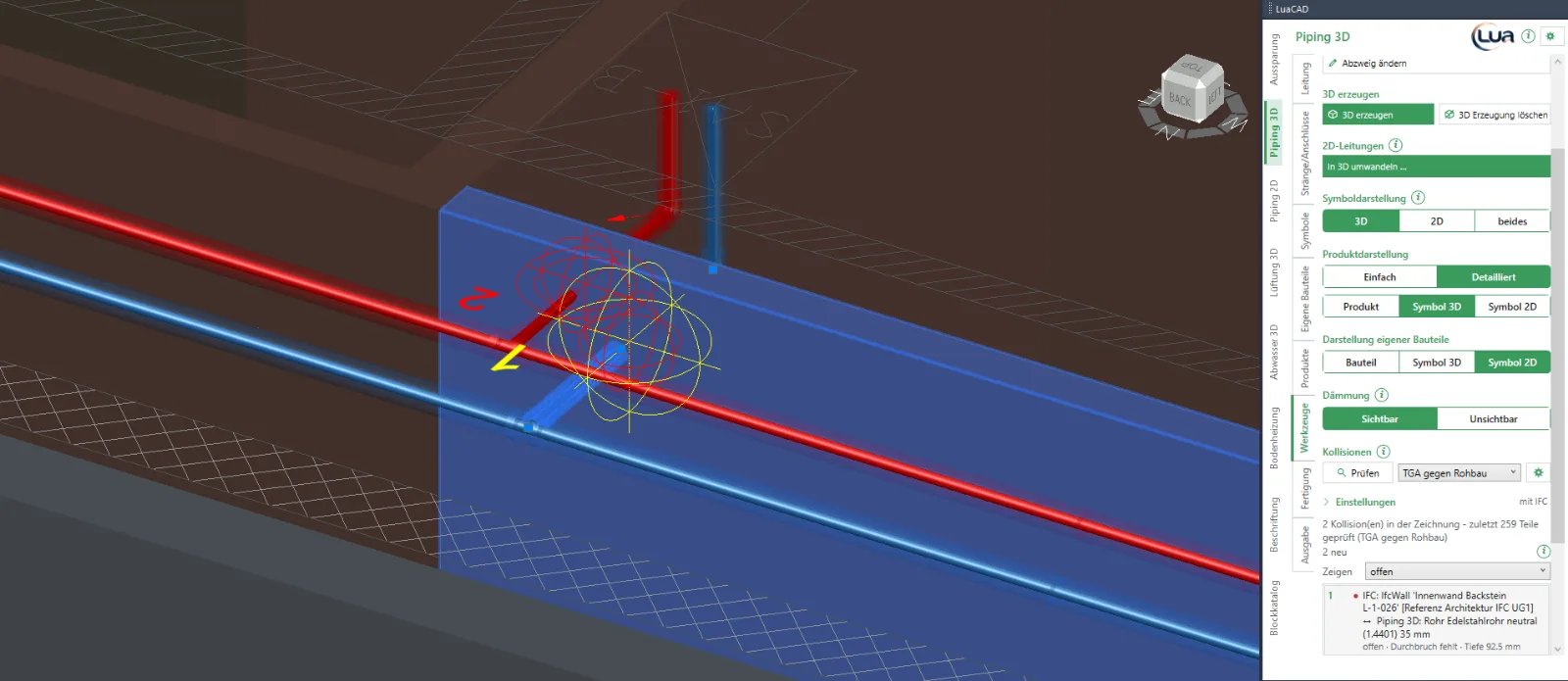
Find missing openings (3D)
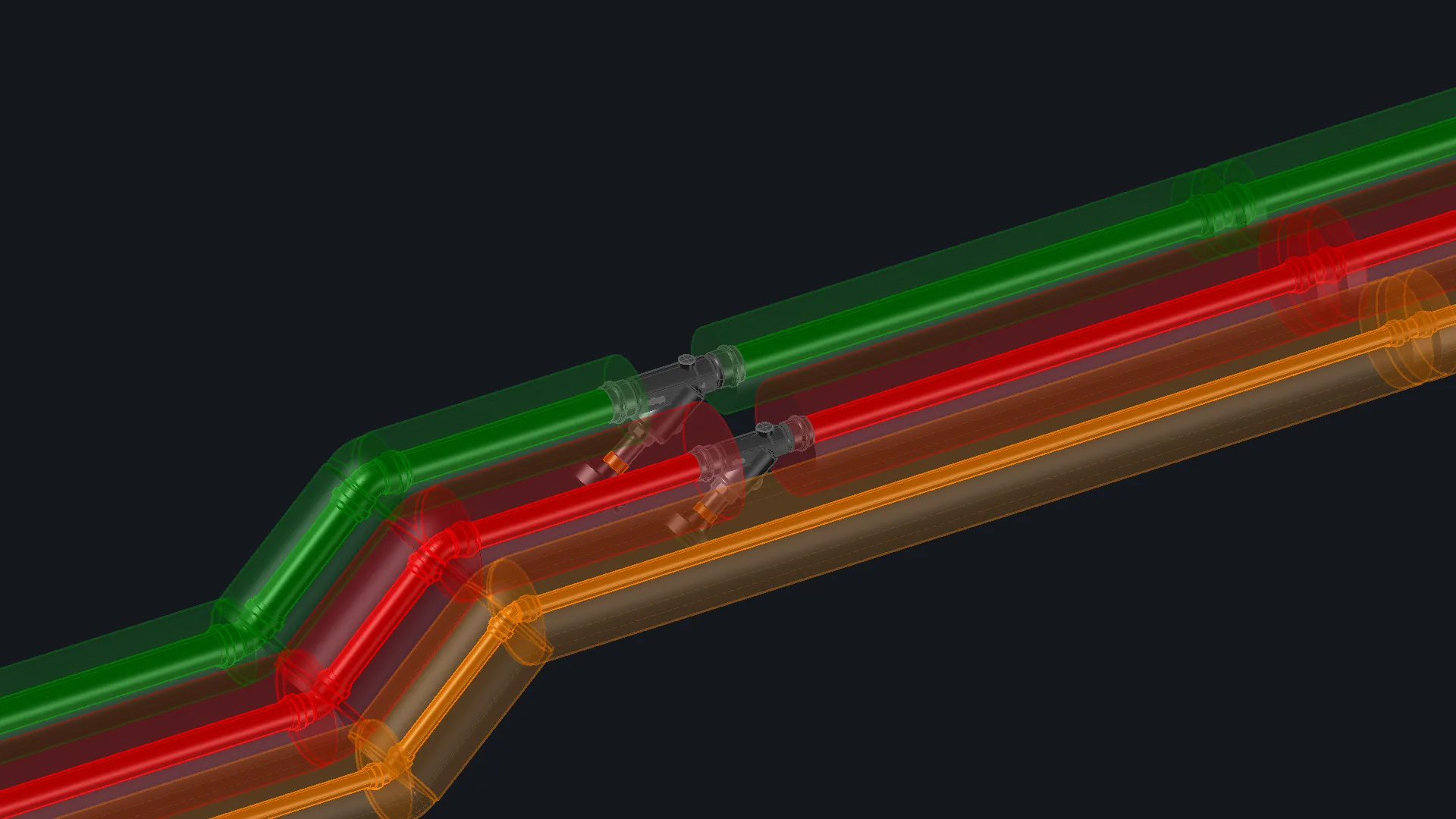
Clash detection in LuaCAD 3D reports where a pipe or duct passes through a wall or slab of the architectural IFC model without an opening – or where the opening is too small.
More in the online help →Everything else in the online help
Step-by-step examples, every palette page and dialog box explained: the Openings help at help.luacad.com.
Openings help →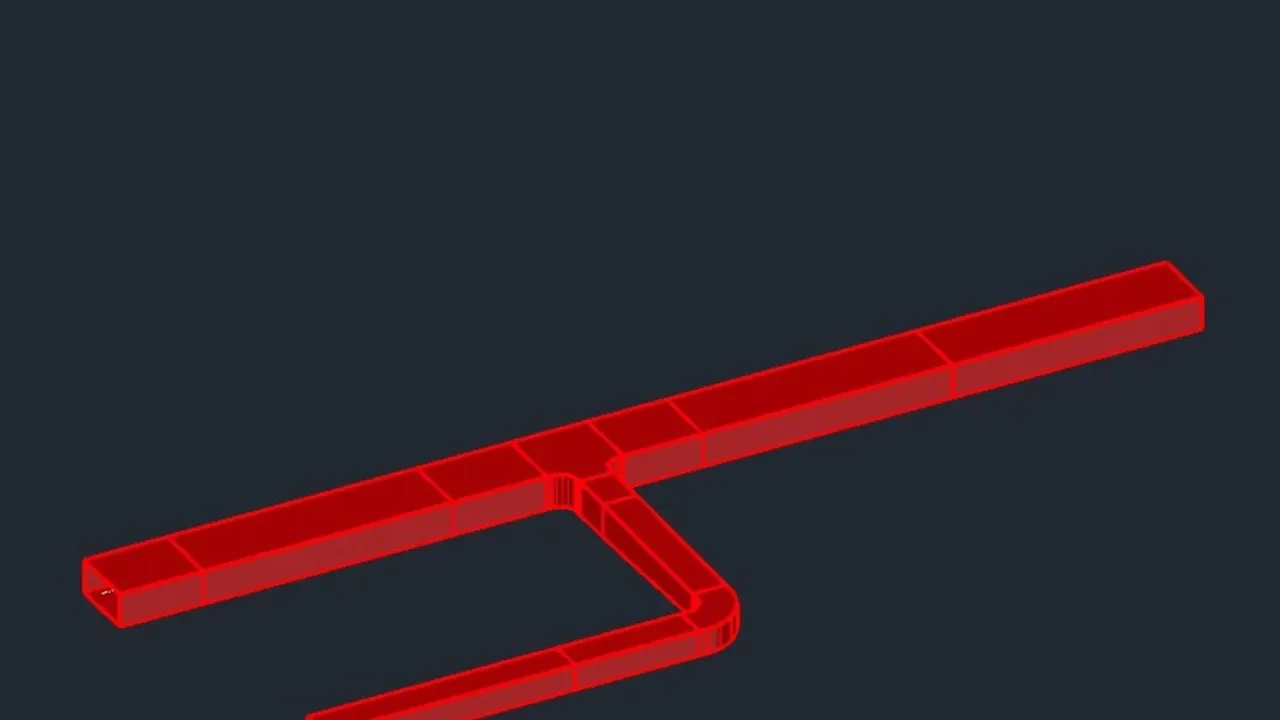
Try it yourself – free for 14 days
Choose LuaCAD 2D or LuaCAD 3D (3D includes 2D). GstarCAD Professional is included – free, no obligation.